A Brand Photography Shot List That Works Beyond Shoot Day
Plan campaign photography around the images you need to publish, then give each shot a purpose, priority and format before the crew arrives.
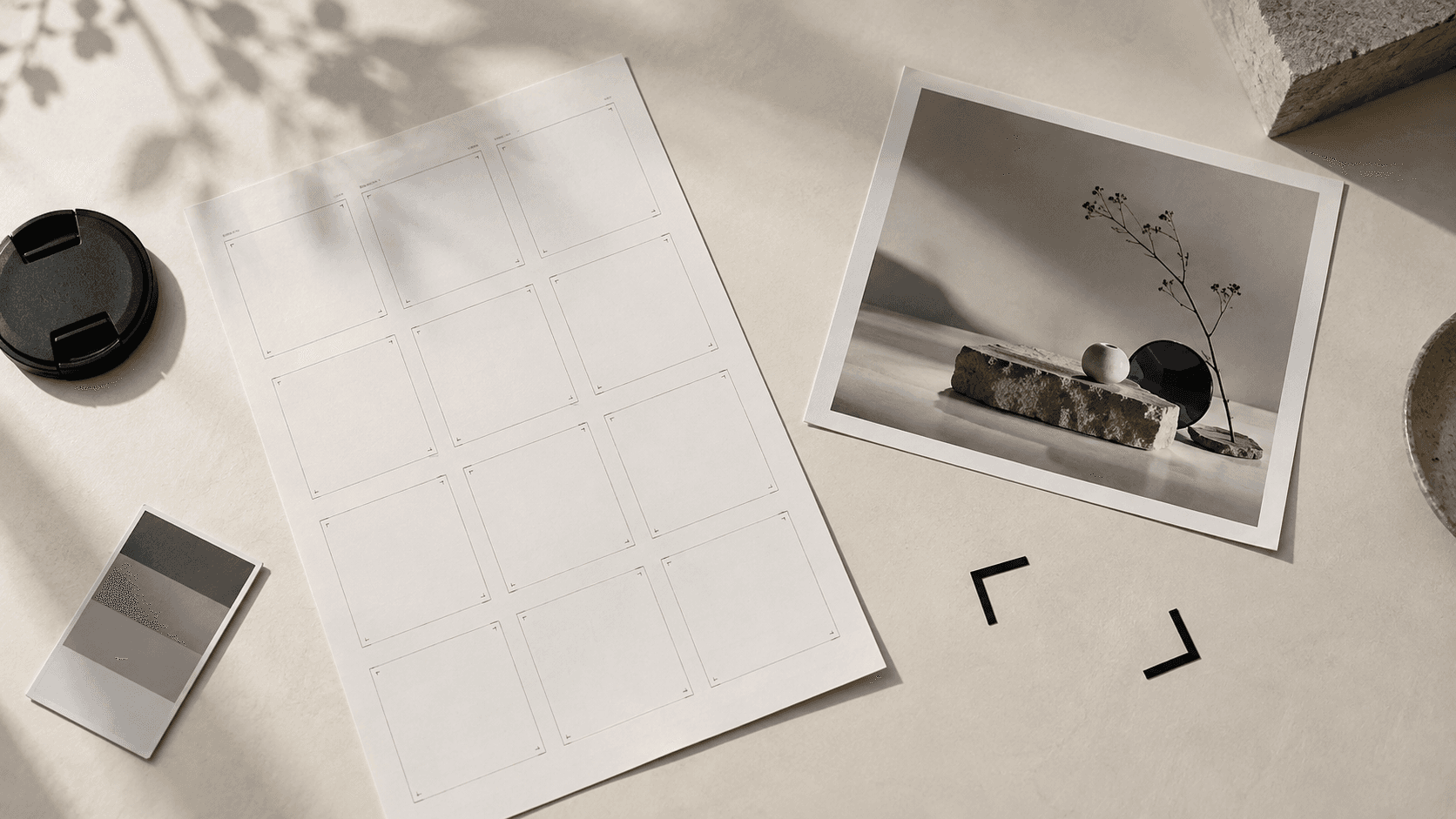
A useful brand photography shot list starts with where the images will appear. It is not a list of attractive scenes to capture if time allows. It connects each image to a job: a campaign hero, a product detail, a social story, a press image or a website crop. That connection helps the photographer plan lighting and composition, and it helps the marketing team decide what to protect when the day gets tight.
You do not need to direct every camera angle. A good brief sets priorities and constraints while leaving the photographer room to find the strongest frame. The following process works for a single-location brand shoot and can be extended to a larger campaign.
1. Start with the publishing plan
Write down the channels, placements and dates before describing the pictures. A website banner needs room for copy. A product page may need a consistent angle across a range. A vertical story can lose important detail if the subject sits at the edge of a horizontal frame. A press image may need a clear caption and an approved credit.
For every placement, record the intended audience, the message and who will approve the final image. If a single photograph is expected to serve several placements, identify the most important one. Ask whether it can truly be cropped for the others or whether a second composition is needed. Avoid asking the photographer to solve an impossible crop in post-production.
2. Build a short list of image families
Group the deliverables by purpose rather than writing a long list of near-identical frames. Four families are often enough to start: a hero image that establishes the campaign; contextual images that show the product, space or person in use; detail images that prove a feature or texture; and flexible supporting images with room for headlines, dates or localised copy.
These are planning categories, not a mandatory package. A hospitality launch may need atmosphere and food detail. A retail range may need consistent product views before lifestyle scenes. A corporate portrait day may need individuals and team combinations, with enough time for people to feel comfortable. Let the brief determine the mix.
Consider a hypothetical restaurant opening. Its shot list could specify one wide image of the space for the website, three dishes photographed with consistent colour for menus, a small set of service moments for social channels, and one portrait of the chef for media enquiries. The exact frames should be developed on location, but their intended uses are already clear.
3. Give each shot a priority and a condition
Mark each requested image as essential, useful or optional. For an essential shot, write what must be visible and what would make it unusable. A product hero might require a readable label, a specified pack version and a clean area for a headline. An event image might require the speaker, audience and venue identity in the same frame. Conditions make the shot list actionable without prescribing a rigid pose.
Note dependencies beside the shot. Does it need a particular person, prop, room, time of day, access permission or styling approval? Adobe's shot-list guidance stresses recording locations and shot types so the team can plan camera set-ups. For a stills shoot, the same discipline helps group work by lighting and location instead of repeatedly rebuilding a scene.
4. Plan the production around the list
Translate the priorities into a realistic schedule with the photographer and producer. Allow time for set-up, styling, product swaps, people, review and contingencies. A long list does not create more shoot time. If the number of products or looks grows, discuss whether the answer is another shoot block, fewer treatments or a simpler visual approach.
Put practical information in one shared production document: contacts, access instructions, reference images, props, wardrobe, weather plan and the order of set-ups. The American Society of Media Photographers' production-book guidance describes these details as a useful common reference for the crew. Keep the client-facing shot list concise enough to use on set; put detailed logistics in a separate call sheet if needed.
5. Agree on review, usage and handover
Decide who can approve styling and product accuracy during the shoot. It is easier to correct a label, garment or table setting while it is still in front of the camera than after wrap. Agree in advance on how selects will be shared, who chooses them, how many images will be retouched and what the review rounds cover. Ask for a clear description of permitted uses and any releases or venue permissions the campaign needs; obtain appropriate legal review for the agreement where necessary.
Specify final files by use, not just “high resolution.” The handover may include a master image, channel-ready crops, filenames that identify subject and version, and notes on approved credit. If the images will appear on a website, the content team should also plan meaningful alternative text. W3C guidance says informative images need text that conveys their purpose in context, rather than a literal inventory of pixels.
A shot-list row you can copy
Placement: [where the image will appear]. Purpose: [what it should communicate]. Subject: [person, product or space]. Format: [orientation and any safe area for text]. Priority: [essential, useful or optional]. Must show: [critical detail]. Must avoid: [restriction]. Dependencies: [people, props, permission or time]. Approval owner: [name or team]. Final file: [crop, naming or credit requirement].
Use one row for each distinct image need, then let the photographer combine compatible rows into efficient set-ups. The list should be specific enough to protect the deliverables and flexible enough to respond to what actually looks good on the day.
At Visual Matters, we can help a team move from channels and goals to a workable photography plan, then produce and finish the agreed assets. See our production services and selected work, or send us your draft shot list if you want to discuss the right approach for a brief.