How to Brief Photography for a Multi-Tenant Retail Space
Using the documented SNDO mall showcase as a starting point, build a photography brief that connects the destination, its tenants and the visitor journey.
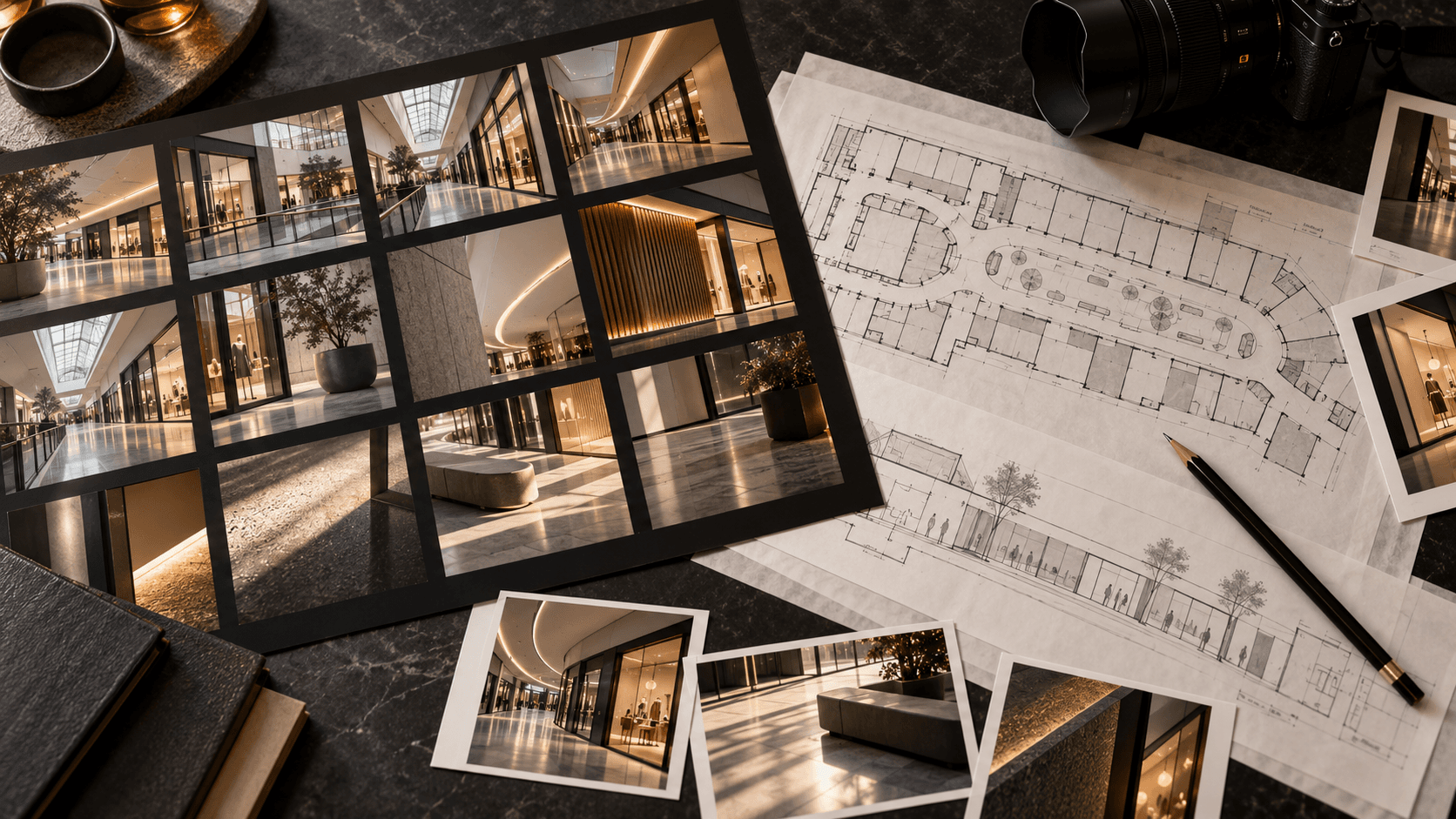
A useful multi-tenant retail photography brief should answer two questions at once: what makes the destination recognisable, and what makes each selected tenant worth visiting? Plan the pictures as a connected journey rather than a collection of unrelated storefronts. That gives the marketing team images for both the place and the businesses within it, while helping a prospective visitor understand how the pieces fit together.
Visual Matters' SNDO Shopping Mall Photography portfolio page describes a 2026 multi-tenant mall photography showcase focused on the retail environment and its local lifestyle brands. The published project description says the selection connects wider-space views with individual tenants. It does not specify the shot plan, camera setup, number of shoot days, permissions or results. The framework below draws a practical lesson from that documented brief; it does not claim to recount those undocumented production decisions.
Begin with the visitor's route
Before requesting a list of attractive angles, map what a first-time visitor needs to recognise: the arrival point, the main circulation spaces, the relationship between floors or zones, and the tenants the campaign needs to feature. A striking detail shot can create desire, but it cannot explain where the visitor is. Conversely, a corridor image can provide context while saying little about why the destination feels distinct.
Write an image role beside each planned frame: orient, show atmosphere, introduce a tenant, reveal a product or service, or connect one area to another. If several proposed photos do the same job, decide which one has the strongest use. The objective is not to photograph every square metre. It is to build a sequence that answers the audience's questions without making the gallery repetitive.
Photograph the place and the tenant at complementary scales
A simple framework is wide, medium and close. Wide images establish architecture and circulation. Medium images show a storefront in its surrounding environment, so the tenant still feels part of the destination. Close views can show a display, product, material or human moment that explains the tenant's character. These are potential image roles, not a claim that every SNDO image uses this exact sequence.
Agree in advance how much weight each tenant receives. A destination campaign may need a balanced overview, whereas a launch announcement may need deeper coverage of one anchor store. Tell the photographer which spaces and tenants are essential, which are optional, and whether any brand has specific visual rules. This protects the final selection from becoming an accidental ranking of whoever had the easiest access or best available light.
For a visitor-facing listing, truthful representation matters as much as polish. Google Business Profile's photo guidance distinguishes exterior, interior and product imagery and recommends well-lit photos that represent the place accurately without excessive alteration. That is guidance for Google's own listings, not a universal creative rule, but it illustrates why an orientation image and an editorial campaign image may have different jobs. Keep those uses clear in the brief.
Make access and timing part of the creative plan
Retail spaces keep operating while photography happens. Ask who can approve access to shared areas and to each tenant; who can move displays; when signage, windows and products will be ready; and whether customers or staff may appear. If people are part of the visual concept, agree on the practical arrangements and required permissions with the relevant parties before the shoot. Do not assume a mall-level approval covers the inside of every store or every person in a frame.
Light can change across a mall as daylight, display lighting and shop illumination interact. A schedule should account for the look needed in each zone, not merely walking distance. Also identify peak trading periods, cleaning times and any event build that could alter the background. When a must-have tenant is unavailable, agree whether to return later, photograph a different detail, or leave the frame out. The fallback should preserve the image's purpose rather than just fill a slot.
Brief the final uses before the camera comes out
List where the images will appear: website, press kit, social post, tenant announcement, directory, presentation or on-site display. A horizontal hero with generous space for copy may be useful on the website; a vertical frame may be more practical for a story or poster. Decide which scenes need both compositions. Cropping after the shoot can remove the tenant sign, a key product or the spatial context that made the image valuable.
Give the photographer the current brand guidelines, any required tenant naming and the intended use of logos or signage. If a property and a tenant will both publish an image, establish who reviews it and whether the same edit is suitable for both. Define the final delivery in concrete terms: selection count or selection process, image dimensions, colour treatment, file formats, naming, retouching scope and handover date. An unlimited-sounding promise of “photos” is harder to approve than a clear package of usable assets.
Edit for a coherent destination story
The first edit should be a sequence, not simply the highest-scoring individual frames. Put an arrival image next to a space view, then a tenant or detail image, and ask whether the viewer can understand the relationship. Remove near-duplicates. Check that one brightly lit shop does not make the rest of the destination feel dull, and that the chosen colour treatment respects the actual materials and tenant branding.
Review the gallery at the size and context in which it will be used. A detail that reads beautifully in a full-screen image may disappear in a small card. A wide space can feel empty after a narrow social crop. Keep alternative selects for different channels instead of forcing one frame into every placement. For public listings, re-check current platform requirements before exporting; for campaign uses, review the actual page or template mock-up.
A brief you can copy
Destination and intended audience: [who should visit and why]. Essential spaces: [arrival, circulation and signature zones]. Essential tenants: [names and priority]. Image roles: [orientation, atmosphere, tenant, detail and connection]. Planned channels: [website, social, press, directory and displays]. Access owners and operating constraints: [names, hours and restrictions]. People and signage: [what can appear and who clears it]. Brand references: [property and tenant guidelines]. Final selection and formats: [quantities, ratios and file types]. Approval owner and deadline: [name and date].
The SNDO showcase demonstrates the value of treating the retail environment and its tenants as one subject. The broader lesson is to define what each image must explain before the shoot and to judge the final selection as a visitor journey. Visual Matters works across photography and other visual production for brands and places. You can explore selected work, or share a retail brief if you are planning a new destination story.